 11
11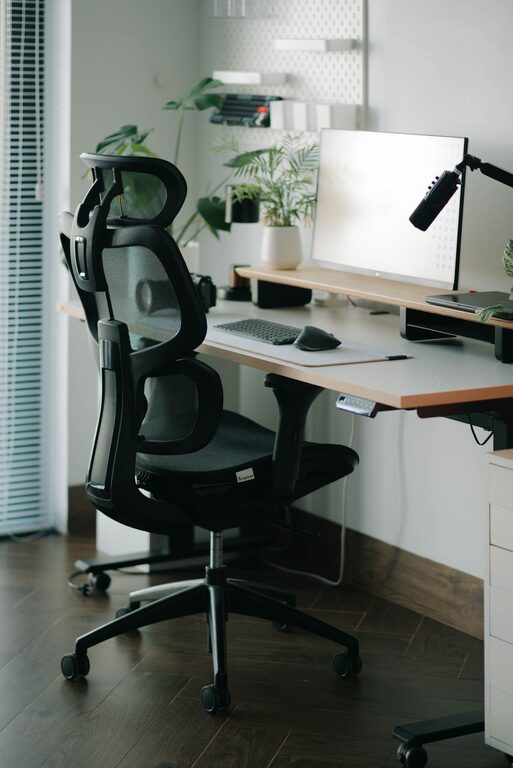
Creating a comfortable and productive home office space is essential for anyone working remotely or spending significant time on personal projects. A well-designed workspace not only boosts your efficiency but also helps reduce stress and fatigue. Whether you have a dedicated room or just a small corner in your living area, these tips will help you set up an ideal environment for focused and comfortable work.
The foundation of a great home office starts with picking the right spot:
– Quiet and Private: Select a location with minimal noise and distractions. If you don’t have a separate room, consider using noise-cancelling headphones or room dividers.
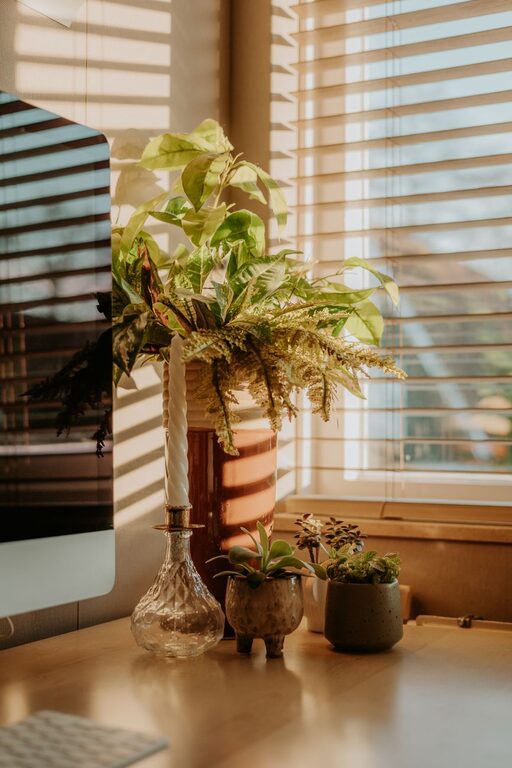
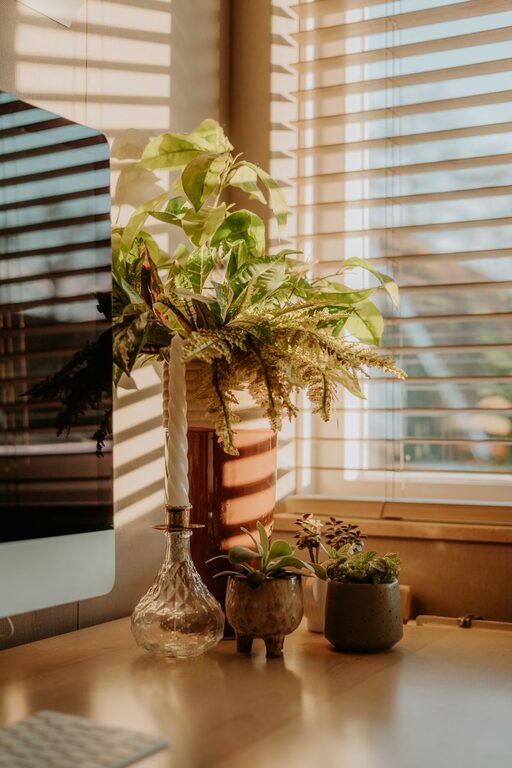
– Natural Light: Position your desk near a window to benefit from natural light. Exposure to daylight can improve mood and energy levels.
– Comfortable Temperature and Ventilation: Ensure the space is well-ventilated and maintains a comfortable temperature to prevent discomfort during long work sessions.
Comfort is key to staying productive without pain or strain:
– Ergonomic Chair: A chair with adjustable height, lumbar support, and comfortable cushioning reduces back and neck pain.
– Adjustable Desk: Consider a desk that allows you to switch between sitting and standing. This promotes movement and reduces fatigue.
– Proper Desk Height: Your desk should allow your arms to rest comfortably at a 90-degree angle when typing.
Good lighting reduces eye strain and keeps you alert:
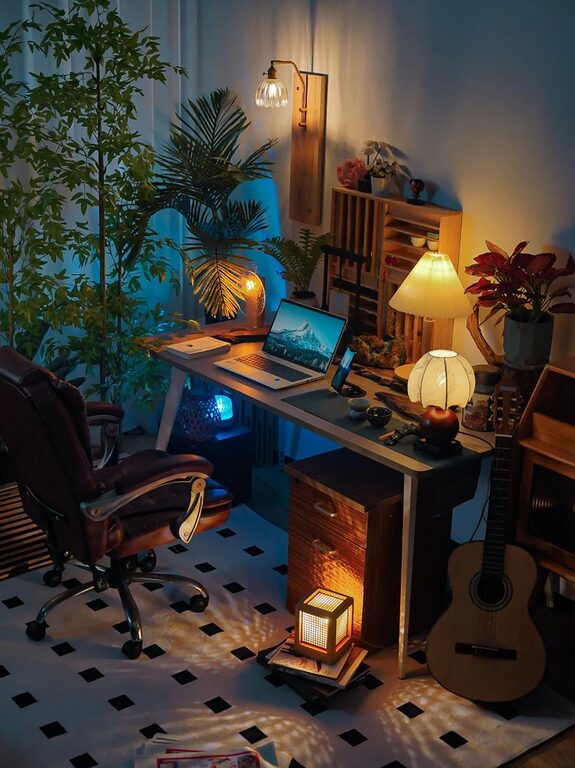
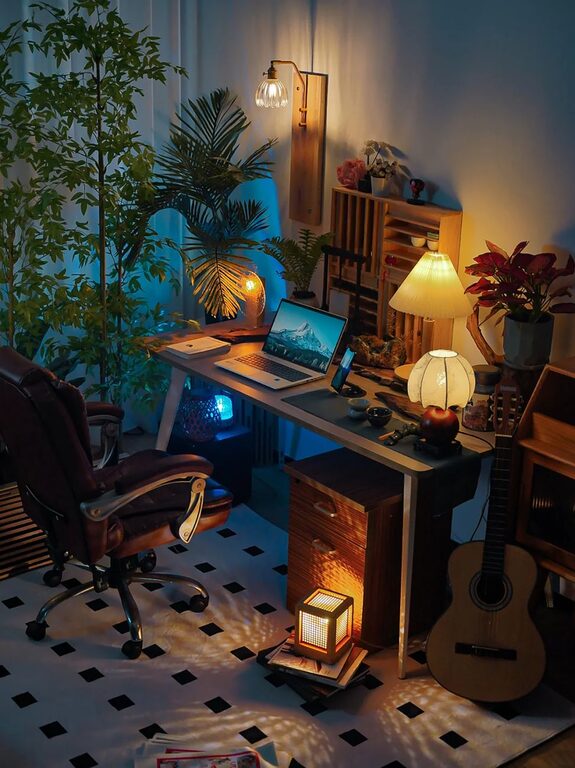
– Task Lighting: Use a desk lamp with adjustable brightness for focused work.
– Avoid Glare: Position your screen to minimize glare from windows or overhead lights.
– Balanced Light: Combine natural and artificial lighting for consistent illumination throughout the day.
A clutter-free environment enhances focus and creativity:
– Storage Solutions: Use shelves, drawers, and organizers to keep supplies tidy and within reach.
– Minimal Desk Setup: Limit items on your desk to essentials like your computer, notebook, and a few personal items.
– Cable Management: Use cable clips or sleeves to prevent tangled wires and keep your workspace neat.
Adding personal touches can make your office inviting and motivating:
– Plants: Indoor plants improve air quality and add a calming, natural element.
– Artwork and Photos: Display inspiring images or artwork that motivate you.
– Comfort Items: Consider a cozy blanket or a supportive cushion for added comfort.
Having the right tools can streamline your work:
– Reliable Internet: Ensure your Wi-Fi connection is stable for video calls and online tasks.
– Quality Equipment: Invest in a good monitor, keyboard, and mouse for efficient use.
– Noise Management: Use noise-cancelling headphones or white noise machines if necessary to maintain focus.
Your workspace should support a healthy work-life balance:
– Set Work Hours: Keep consistent work hours to separate professional and personal time.
– Breaks: Take regular breaks to stretch and rest your eyes.
– Workspace Boundaries: When the workday is over, close your laptop and leave your office area to refresh your mind.
Regular cleaning prevents a buildup of dust and allergens:
– Daily Tidy-Up: Spend a few minutes organizing your desk at the end of each day.
– Weekly Deep Clean: Dust surfaces, vacuum the floor, and disinfect frequently touched areas.
—
Designing a home office that balances comfort and productivity helps create an environment where you can thrive. By focusing on the right location, ergonomic furniture, good lighting, organization, personalization, technology, and routines, you can enjoy a workspace that supports your best work every day. Start with small changes and adjust as needed to find what works best for you.