 11
11
Creating a productive home office environment is essential for anyone working remotely or spending significant time on tasks from home. A well-designed workspace can improve focus, reduce distractions, and increase work satisfaction. Whether you’re setting up a new office or enhancing an existing one, these tips will guide you to create a space that supports your productivity and wellbeing.
Selecting the right spot for your home office is the first step. Ideally, choose a quiet area with minimal foot traffic to avoid interruptions. If possible, find a separate room to establish clear boundaries between work and personal life. If space is limited, a dedicated corner in a living room or bedroom can work well when organized thoughtfully.
Natural light helps reduce eye strain and boosts mood, which is beneficial for productivity. Set up your desk near a window to take advantage of daylight. If natural light is limited, invest in good-quality artificial lighting that mimics daylight to keep your workspace bright and inviting.
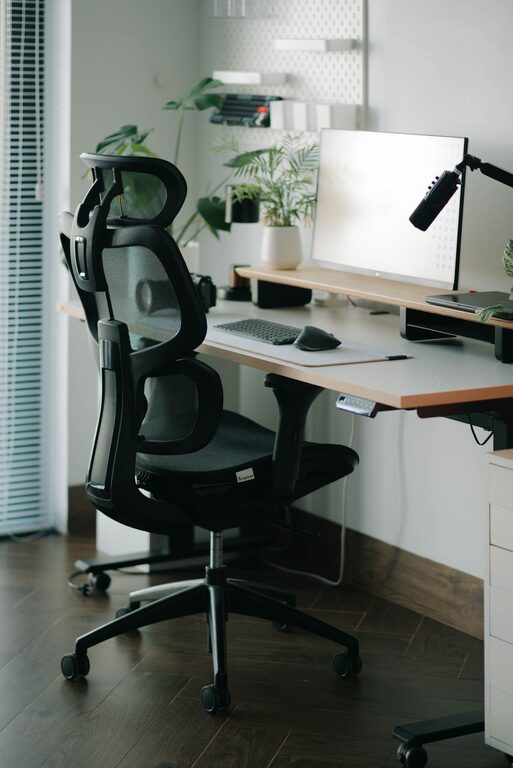
Comfort is key for long hours of work. An ergonomic chair with proper lumbar support helps maintain good posture and reduces back pain. Pair it with an adjustable desk or monitor stand to keep screens at eye level and wrists comfortable, minimizing strain.
Choose a desk with enough surface area for your computer, documents, and any tools you regularly use. Consider desks with built-in storage options to keep your area tidy without cluttering the workspace.
A clutter-free space promotes clearer thinking and greater focus. Use organizers, shelves, and filing systems to store supplies and paperwork neatly. Regularly declutter your desk, keeping only items you need for your current tasks within reach.
Tangled cords and cables can be distracting. Use cable organizers, clips, or under-desk trays to keep wires tidy and out of sight, creating a cleaner visual environment.
Distractions can reduce efficiency and extend working hours unnecessarily. Let household members know your working hours to minimize interruptions. Use noise-cancelling headphones or play soft background music if noise is unavoidable.
Creating clear boundaries between work time and personal time helps maintain focus. Stick to a consistent schedule and take short breaks to recharge, just as you would in a traditional office.
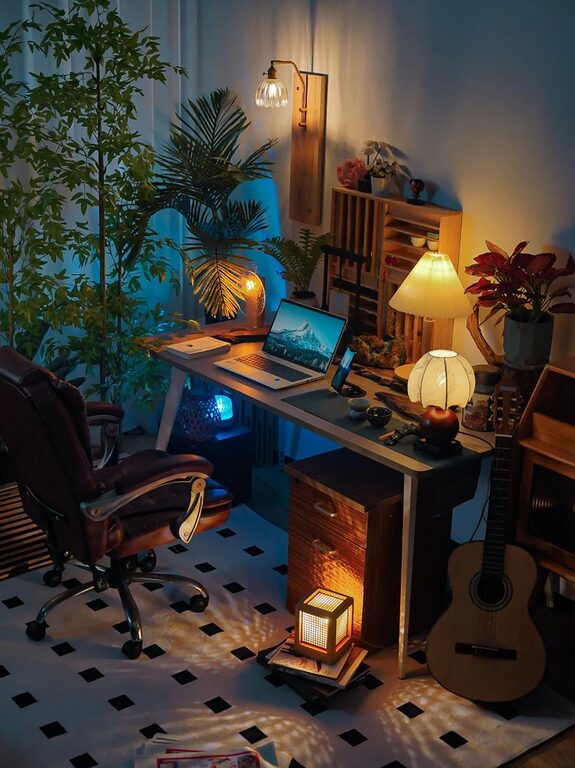
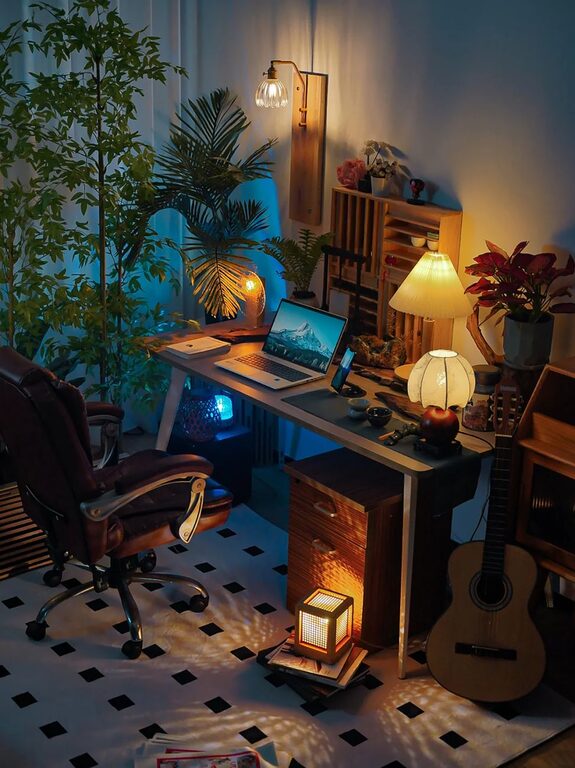
Adding personal touches like plants, artwork, or photos can make your workspace more inviting and comfortable. Plants can also improve air quality and bring a calming presence, which supports concentration.
Reliable technology is crucial for a smooth workday. Ensure your computer, internet connection, and accessories are up to date and functioning well. Invest in tools like a quality webcam, microphone, and external keyboard if your work involves video calls or typing extensively.
A comfortable environment enhances productivity. Keep your home office well-ventilated and at a comfortable temperature. Open windows when possible, or use an air purifier to keep the air fresh, especially in enclosed spaces.
Remember to step away from your desk periodically to rest your eyes and move your body. Short breaks help maintain focus and prevent burnout. Use techniques like the Pomodoro method, which involves working in focused intervals followed by brief breaks.
—
By following these tips, you can create a home office environment that supports productivity and creativity. A thoughtfully arranged workspace not only improves your work performance but also contributes to your overall wellbeing and job satisfaction. Start with small changes and adjust your setup as needed to find what works best for you.