 11
11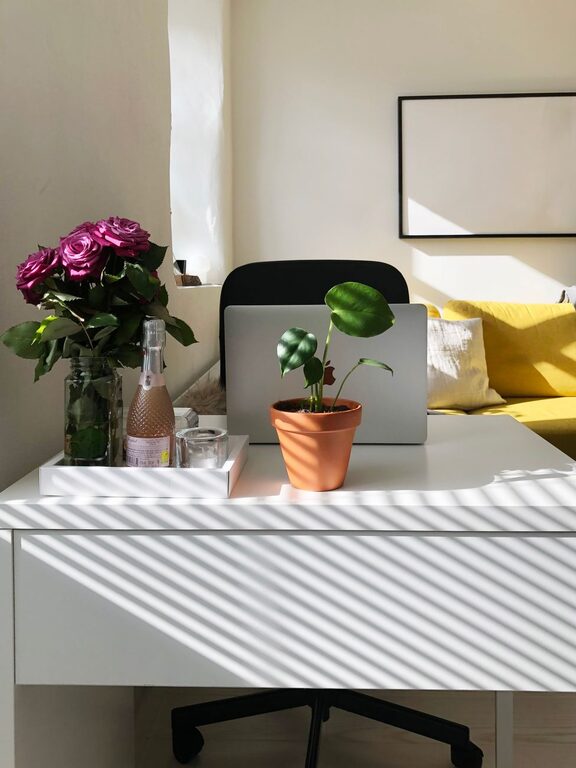
Creating a workspace at home that feels both cozy and productive can make a big difference in how you work and how you feel during the day. Whether you are working remotely full-time or occasionally need a quiet spot, designing a space that balances comfort with functionality can help you stay focused and motivated. Here are some tips to help you create a home workspace that you’ll enjoy spending time in.
The first step in creating a cozy and productive workspace is choosing the ideal spot in your home. Consider the following:
– Natural Light: Select a space near a window if possible. Natural light boosts mood and reduces eye strain.
– Quietness: Look for a quieter part of your home, away from noisy appliances or high-traffic areas.
– Space Availability: Make sure the area is large enough to fit your desk, chair, and any necessary equipment comfortably.
If space is limited, a corner in your living room or bedroom can work well with a little organization.
Comfort is key to productivity. Spending long hours sitting in an uncomfortable chair can negatively affect your posture and focus.
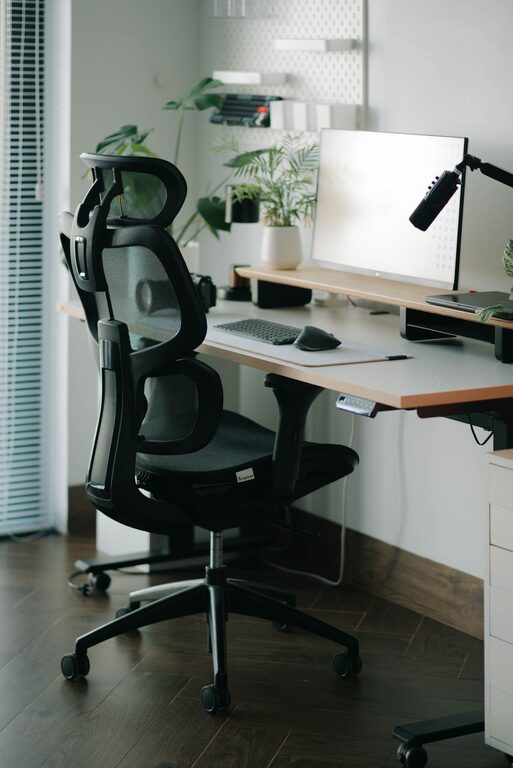
– Ergonomic Chair: Choose a chair with good lumbar support. Adjustable height and armrests add to comfort.
– Desk Size: Select a desk that fits your work essentials without feeling cramped. Consider desks with storage to keep clutter away.
– Footrest: If your feet don’t naturally rest flat, a footrest can improve posture and comfort.
Remember, your furniture should support your body and make working easier, not harder.
Good lighting helps reduce fatigue and eye strain. Here are some tips:
– Use Task Lighting: A desk lamp with adjustable brightness allows you to focus light where you need it.
– Avoid Glare: Position screens so that windows or lights don’t cause reflections.
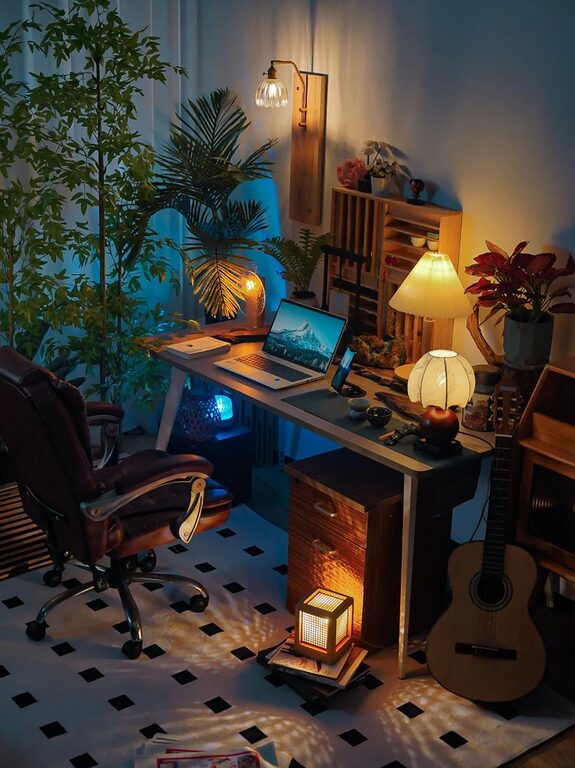
– Consider Warm Lights: Soft, warm light can contribute to a cozy atmosphere and reduce harshness.
Using a combination of natural and artificial light gives flexibility throughout the day.
A neat space helps keep your mind clear and work flowing.
– Use Storage Solutions: Shelves, drawers, and organizers keep papers and supplies tidy.
– Limit Desk Items: Keep only frequently used items on your desk.
– Cable Management: Use clips or sleeves to prevent tangled cords.
– Daily Clean-Up: Spend a few minutes at the end of each day putting things away for a fresh start tomorrow.
A streamlined workspace reduces distractions and makes it easier to focus.
Adding personal touches makes your workspace inviting and motivating.
– Add Plants: Small indoor plants improve air quality and add a calming green element.
– Choose Soothing Colors: Soft colors create a relaxing environment.
– Display Inspirational Items: Photos, quotes, or artwork can boost your mood.
– Comfort Items: Keep a cozy blanket or a favorite mug nearby to give you little comfort reminders.
Personalization helps you connect with your workspace and feel at ease.
To maintain productivity, create clear boundaries between work and home life.
– Define Your Work Hours: Set a schedule and stick to it as much as possible.
– Use Physical Cues: Closing a door or putting away work materials signals the end of the workday.
– Communicate With Others: Let family or housemates know when you shouldn’t be disturbed.
– Take Breaks: Schedule short breaks to stretch and refresh your mind.
These practices help keep your professional and personal lives balanced.
Technology is essential but can also be distracting if not managed properly.
– Reliable Equipment: Invest in a good computer, printer, and internet connection.
– Organize Digital Files: Keep your computer desktop and folders neat.
– Limit Notifications: Turn off non-essential alerts during work time.
– Use Productivity Tools: Calendar apps, task managers, and note-taking apps can keep you on track.
Being smart with technology increases efficiency and reduces stress.
A well-ventilated and temperature-controlled space keeps you comfortable and alert.
– Ventilation: Open a window when possible to circulate fresh air.
– Temperature: Use fans or heaters to maintain a comfortable temperature.
– Air Purifiers: Consider adding a purifier if your space tends to feel stuffy or dusty.
Comfortable air quality supports your well-being during long work hours.
A cozy and productive home workspace combines comfort, organization, and personal touches with functional design. By carefully selecting your location, investing in good furniture, optimizing lighting, and managing distractions, you can create an environment that enhances your work experience. Take time to assess your needs, and don’t hesitate to adjust your setup as you discover what works best for you.
With a well-planned space, working from home can be both enjoyable and efficient!